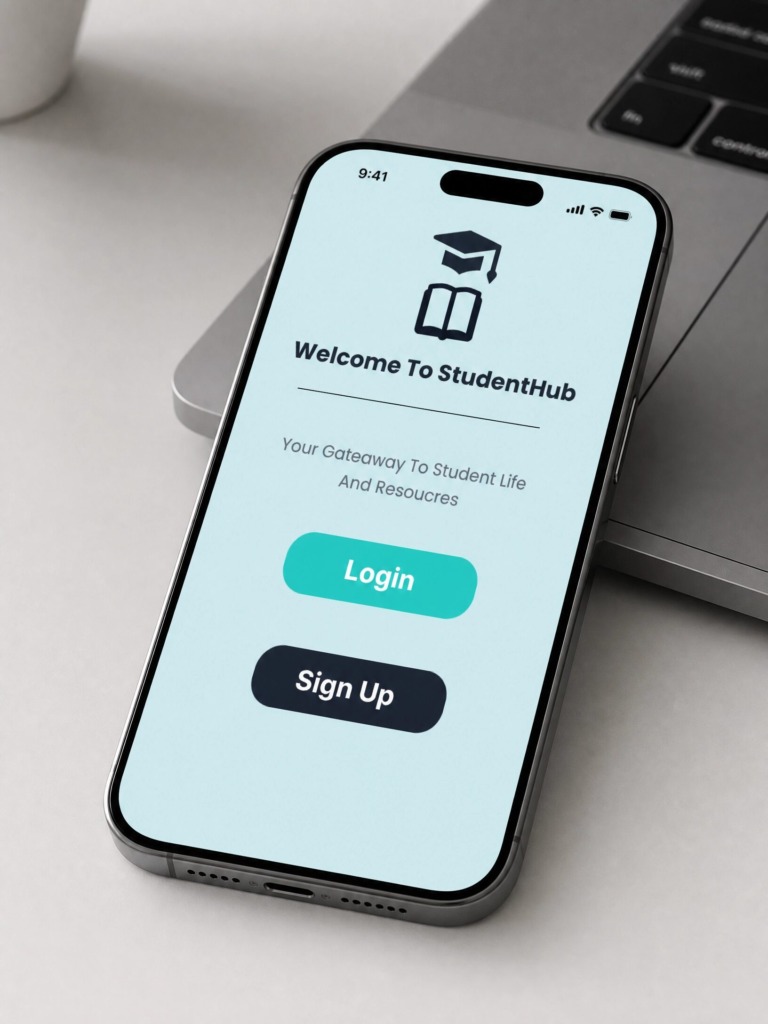
1. Executive Summary & Project Intent 🌟
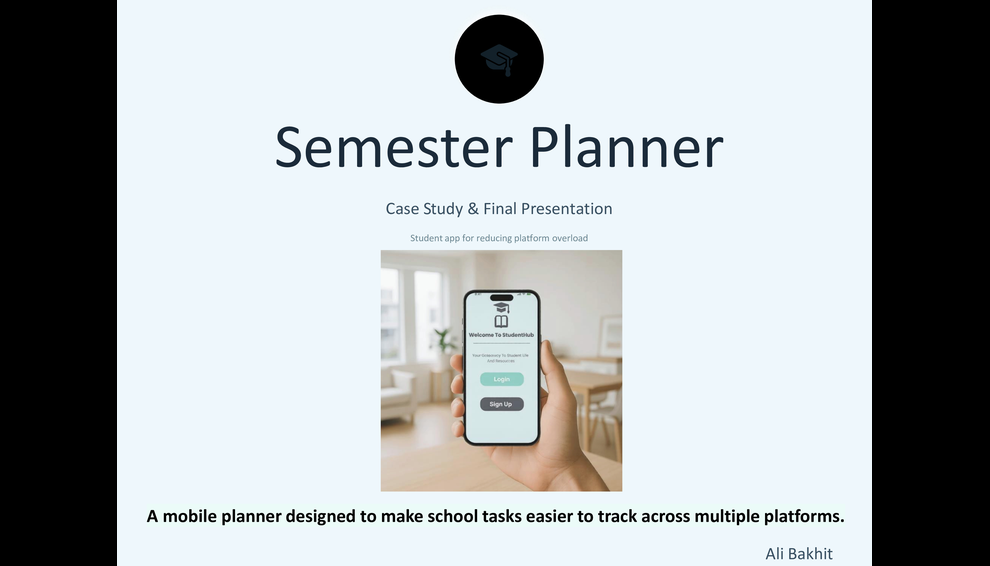
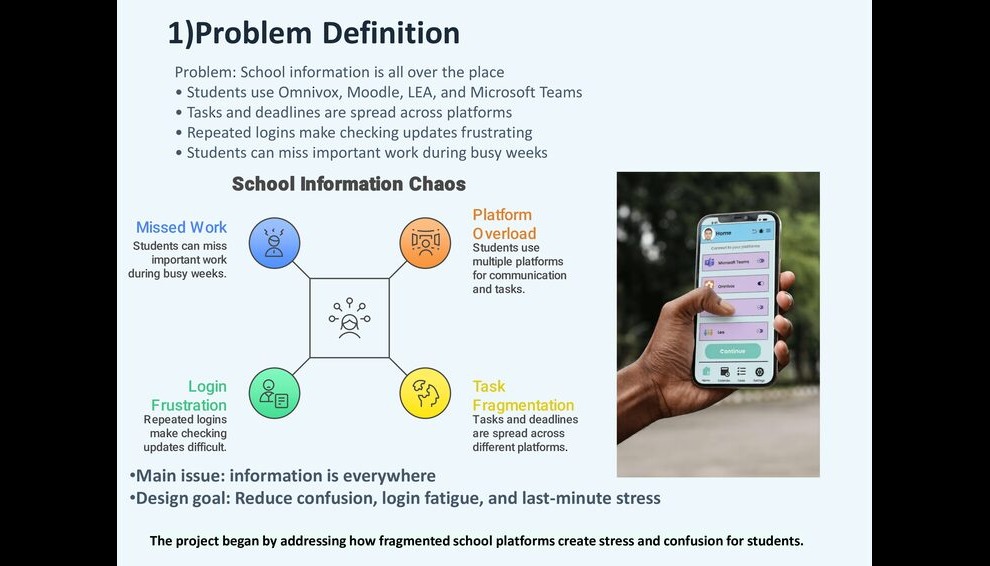
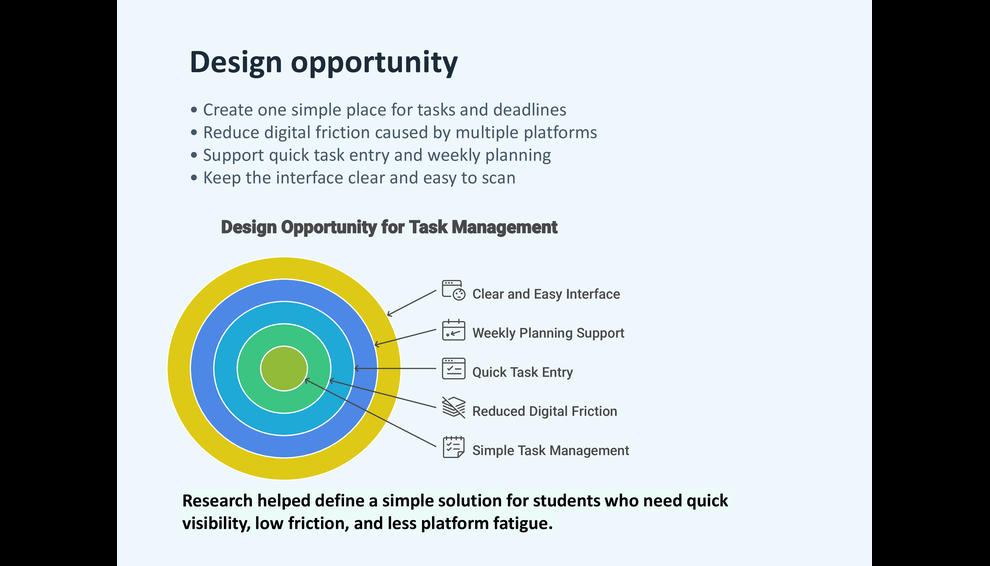
I designed StudentHub to solve a critical, daily friction point faced by college and university students: Platform Fatigue. Operating within academic environments (modeled around John Abbott College workflows), students are forced to constantly juggle four separate, disconnected portals:
-
Moodle for assignments, quizzes, and course slides.
-
Omnivox and LEA for official announcements, transcripts, and faculty messages.
-
Microsoft Teams for group communications and project files.
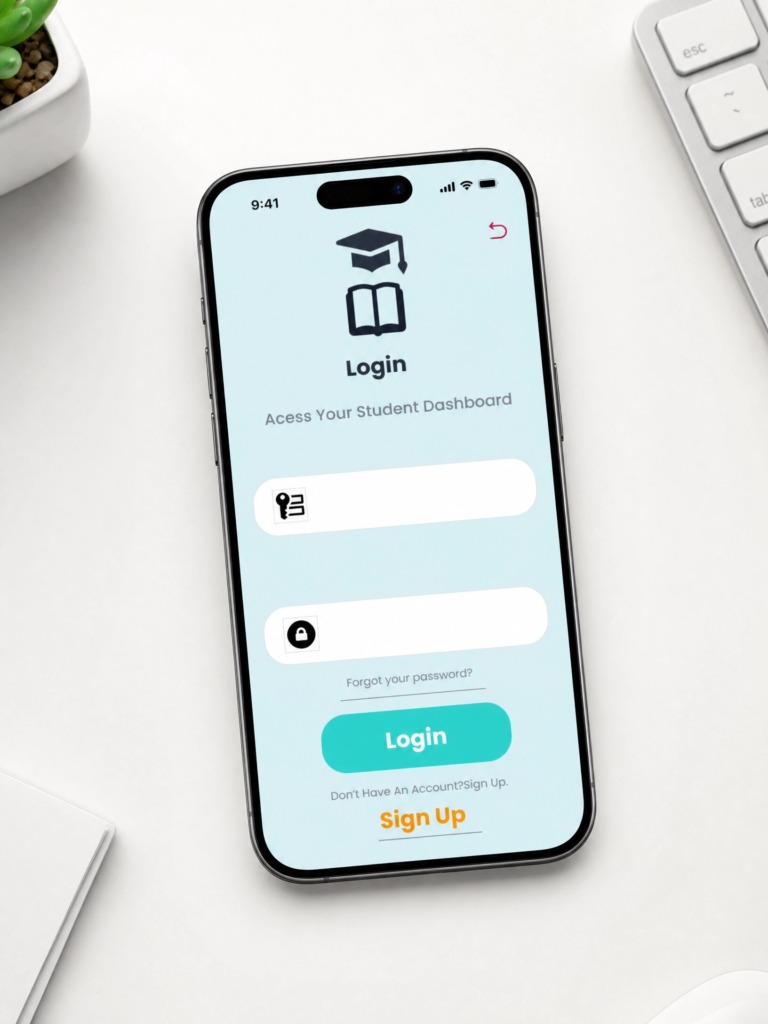
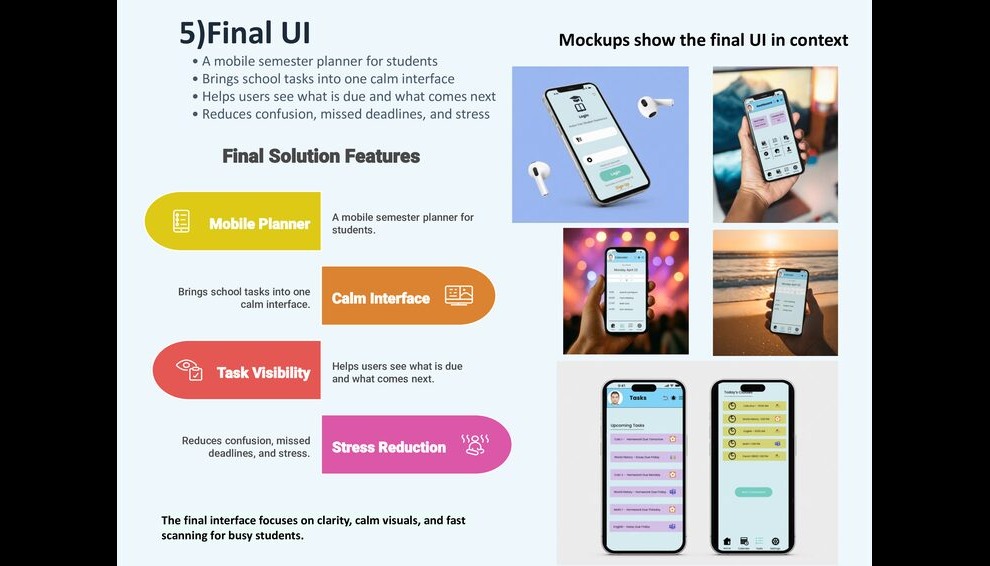
I created StudentHub as a unified Personal Aggregator Layer. Instead of attempting to overhaul institutional backends, I designed a streamlined mobile app interface that fetches, centralizes, and organizes scattered schedules, deadlines, and notifications into one cohesive, stress-free user experience.
2. Problem Statement & User Research 🧠
-
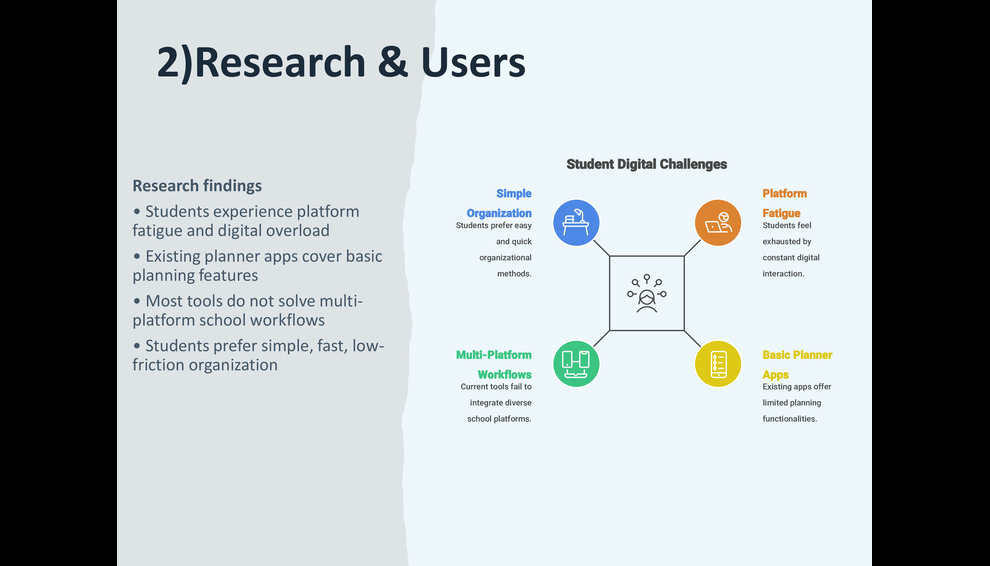
The Core Problem: Students waste substantial time navigating repetitive login screens and multi-factor authentication (2FA) cycles across multiple platforms. Critical assignment deadlines buried across separate systems lead to cognitive overload and last-minute stress.
-
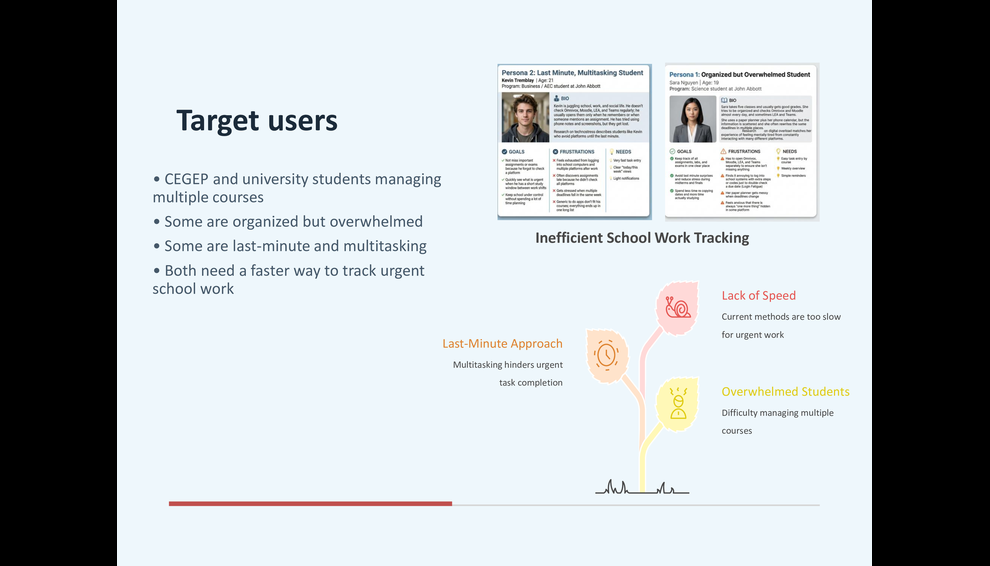
Target Audience: CEGEP, college, and university students aged 17–25 managing dense course loads, part-time jobs, and personal commitments.
-
Behavioral Insight: Students check their phones in brief 15-to-30-second windows—between classes, during commutes, or late at night.
-
UX Objective: Information must be immediately readable at a 3-Second Glance, removing any need for manual setup or tedious organization.
3. UX Architecture & Solution Design 🏗️
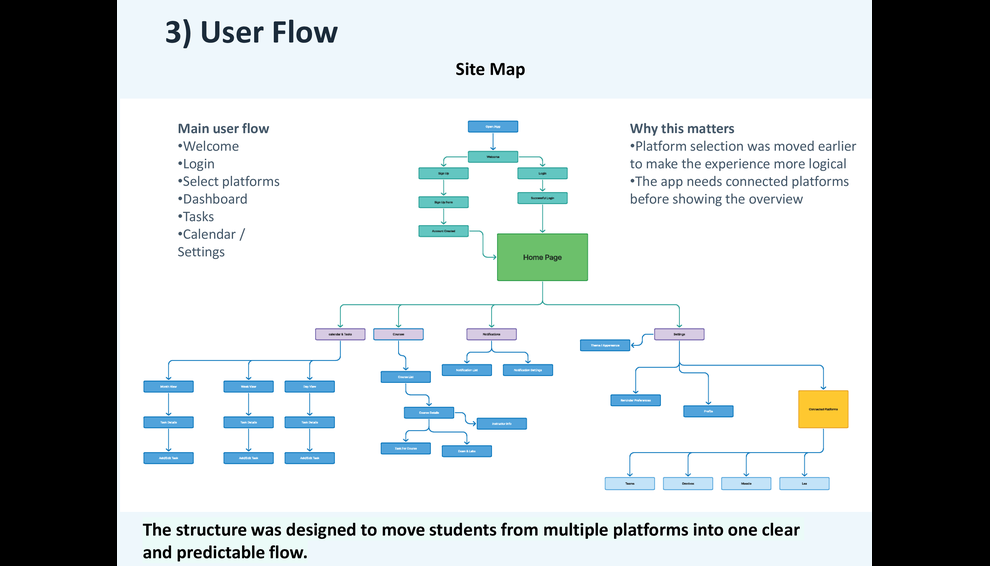
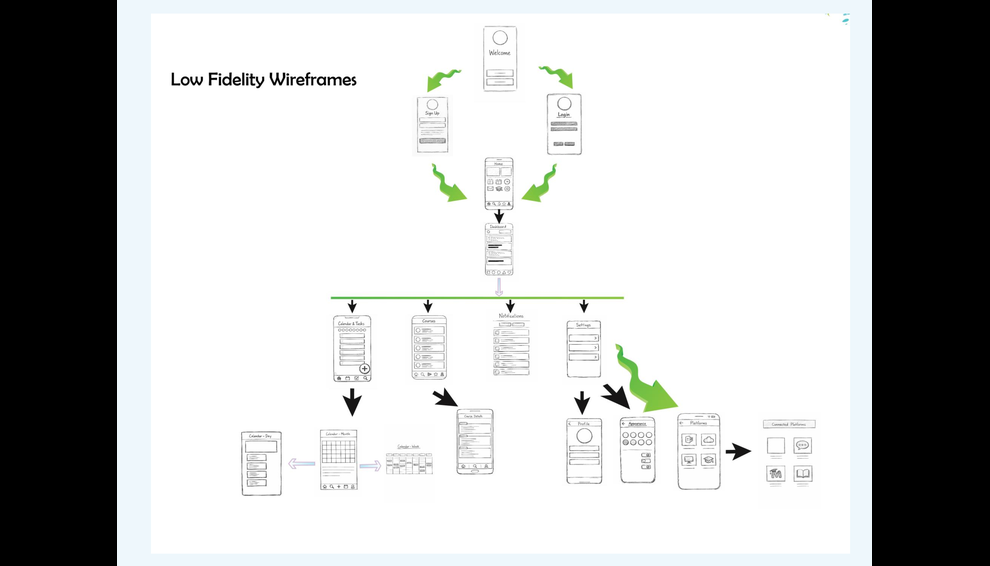
To resolve platform fragmentation, I designed the user interface around three core structural pillars:
-
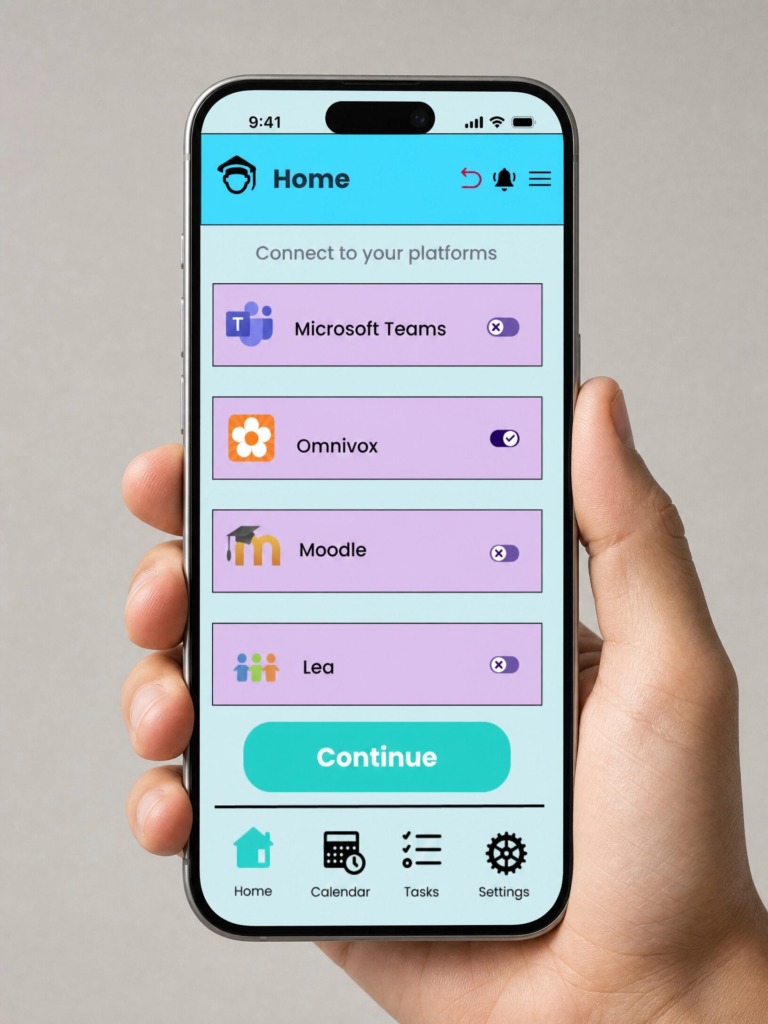
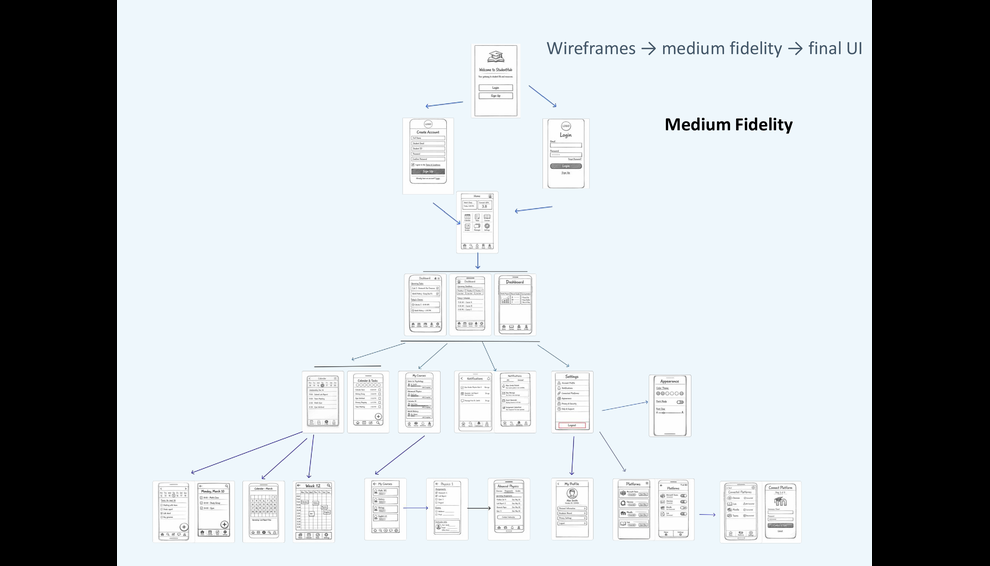
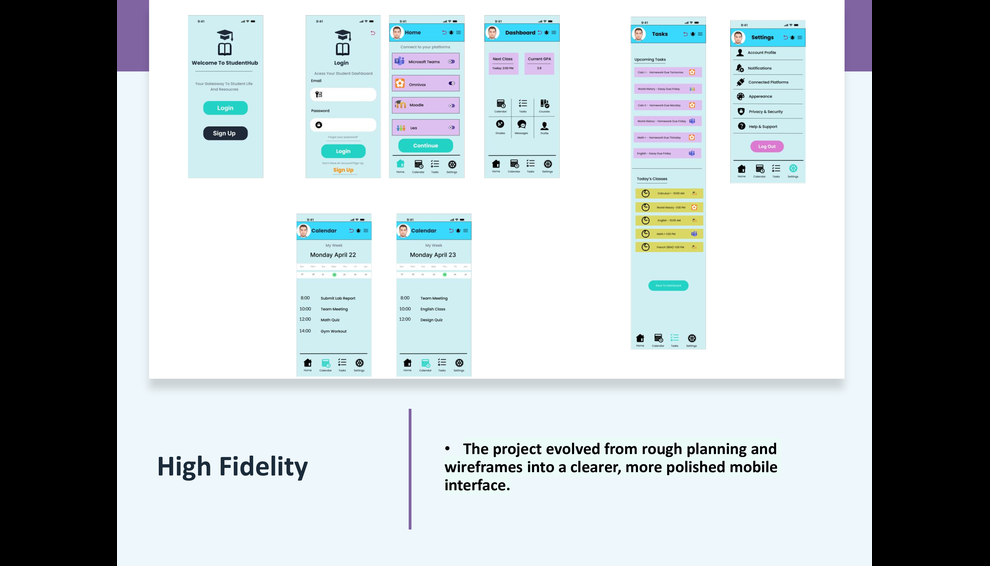
Platform Connector Engine: A dedicated authorization screen featuring single-toggle controls that allow students to connect or disconnect Omnivox, Moodle, LEA, and Teams with immediate visual feedback.
-
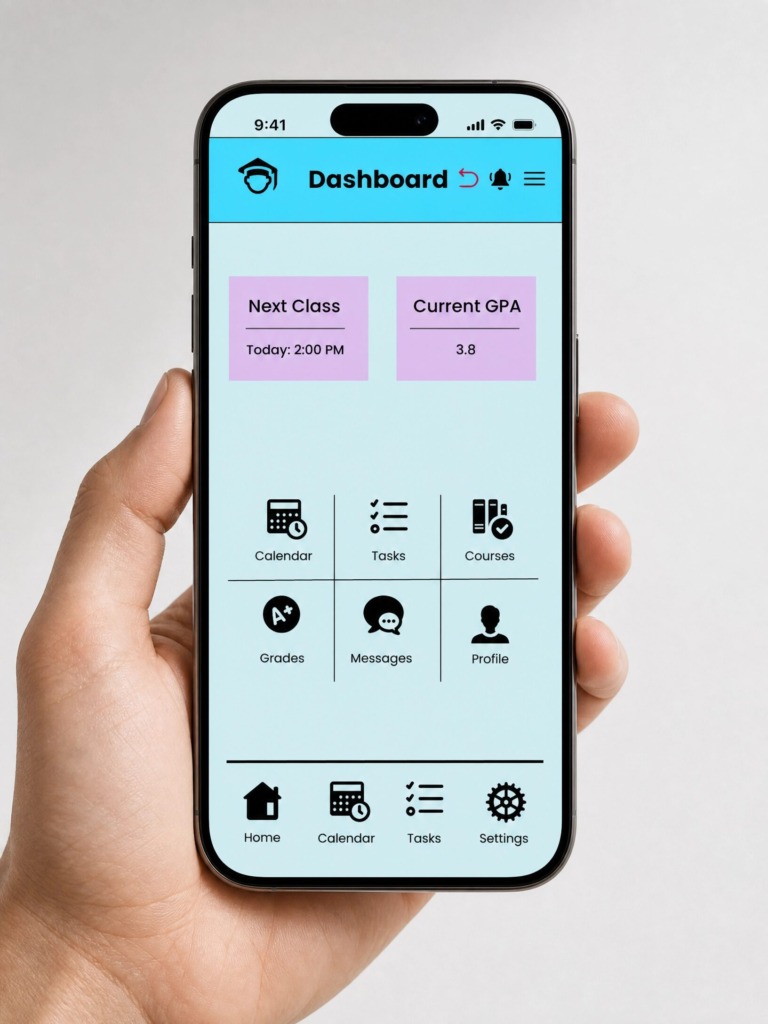
Unified Smart Dashboard: A high-level overview featuring a real-time GPA indicator (e.g., 3.8), next-class countdowns, and quick-action shortcuts (Tasks, Calendar, Grades) to eliminate screen clutter.
-
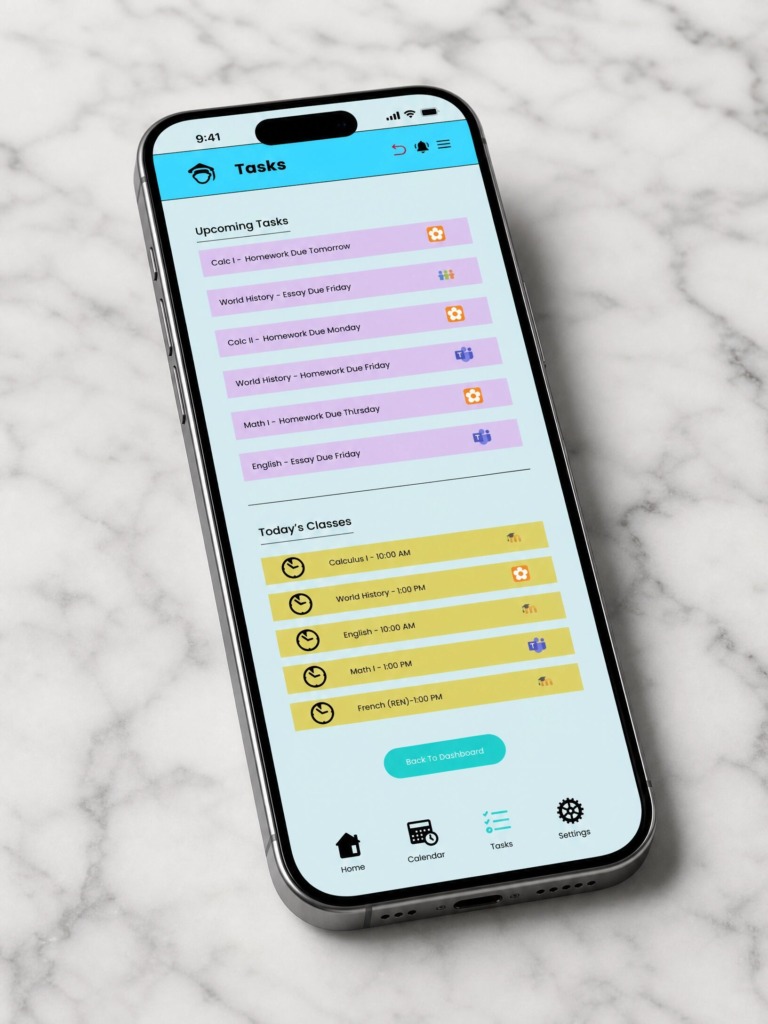
Source-Tagged Task System: Custom visual badges identifying the exact source platform (e.g., Moodle or Teams) for every task, ensuring students know precisely where source materials reside.
4. Figma Design System & Interactive Prototyping 🛠️
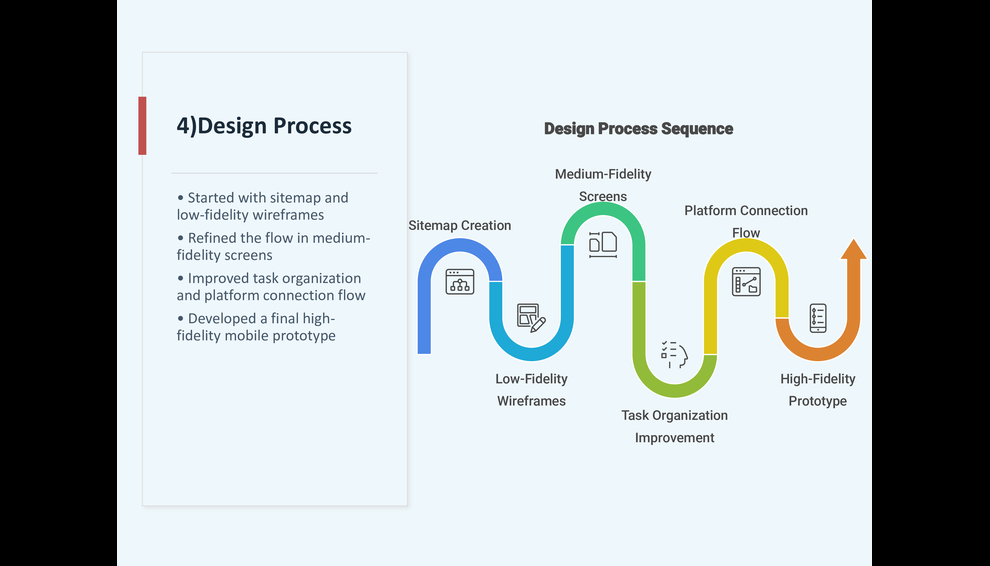
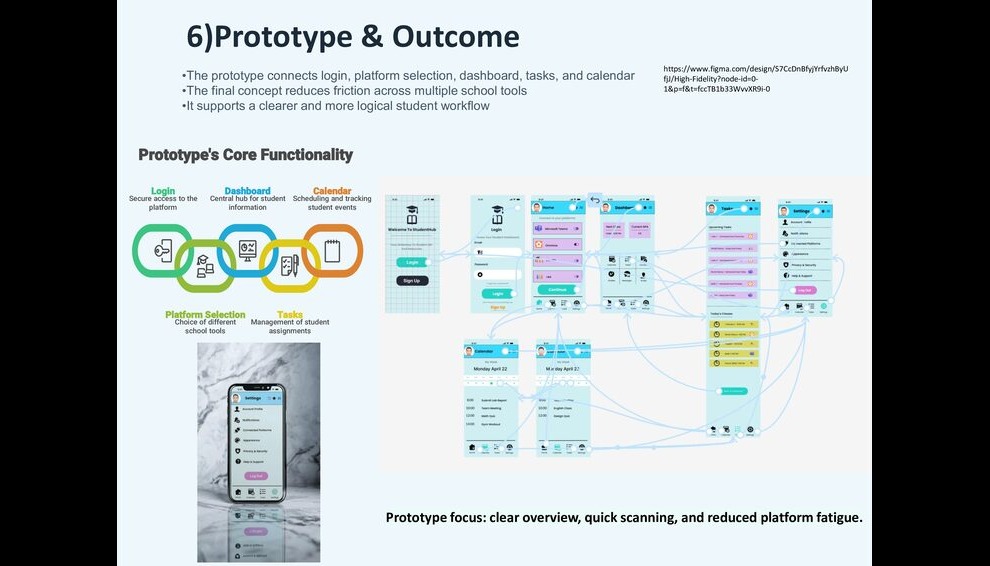
To bring this project to life as an interactive prototype, I applied advanced UI/UX production techniques in Figma:
-
Auto Layout 5.0 & Spatial Grid: I engineered all screens, cards, and list containers using nested Auto Layout rules (Fill Container / Hug Contents) on an 8px spatial grid to guarantee fluid responsiveness across various iOS viewports.
-
Component Variants & Interactive States: I created multi-state master components for navigation tabs, input fields, and platform toggle switches. Default, hover, focus, and pressed states were built directly into the components to ensure prototype consistency.
-
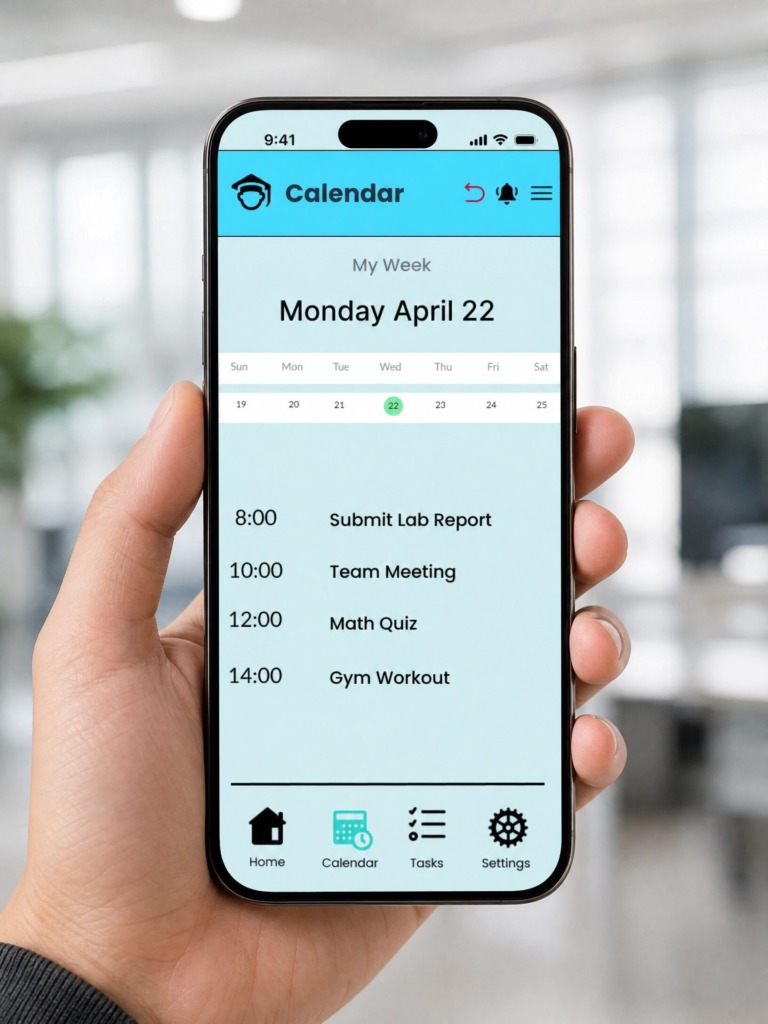
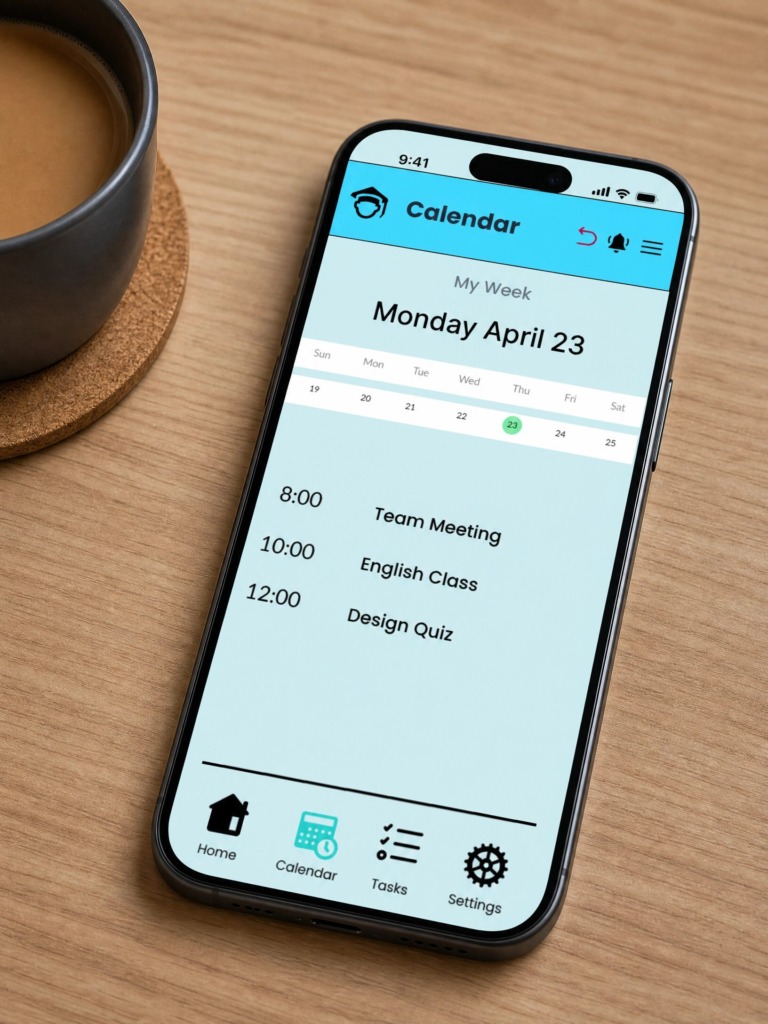
Smart Animate & Micro-Interactions: I configured fluid Smart Animate transitions using custom cubic-bezier curves (Ease-Out 300ms) to maintain visual context when transitioning between the Dashboard, Calendar, and Task Manager.
-
Figma Variables & Dynamic Logic: I utilized local variables to simulate active/inactive platform connections, dynamically updating task counters and calendar events across the prototype flow.
-
Fixed Controls & Scroll Overflow: I locked the top navigation header and bottom tab bar in place while enabling independent vertical scrolling for agendas and task feeds to deliver an authentic native app experience.
5. Visual Identity & Color Psychology 🎨
-
Mint / Cyan (Aqua): Selected to evoke clarity and calmness while guiding user focus toward primary call-to-action buttons.
-
Soft Lavender Card Backgrounds: Used to organize secondary data blocks without inducing visual fatigue during long study sessions.
-
Accent Yellow: Applied to high-priority deadline badges, urgent alerts, and current-day class highlights.
Check The Presentation
Check The Videos
Designed by Ali Bakhit