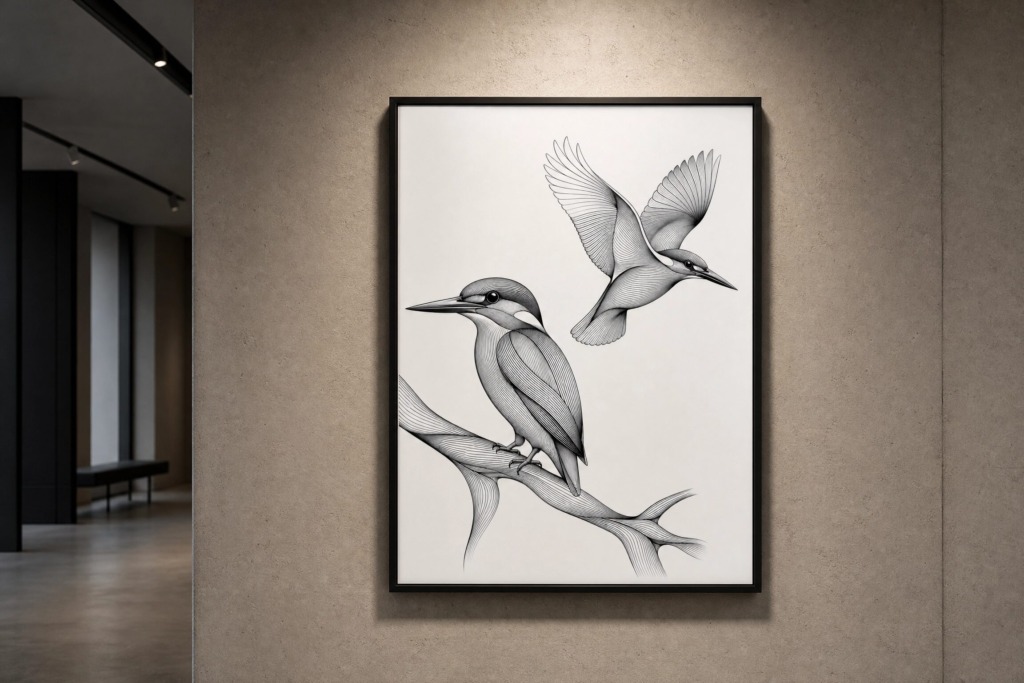
🌟 Project Overview & Vision
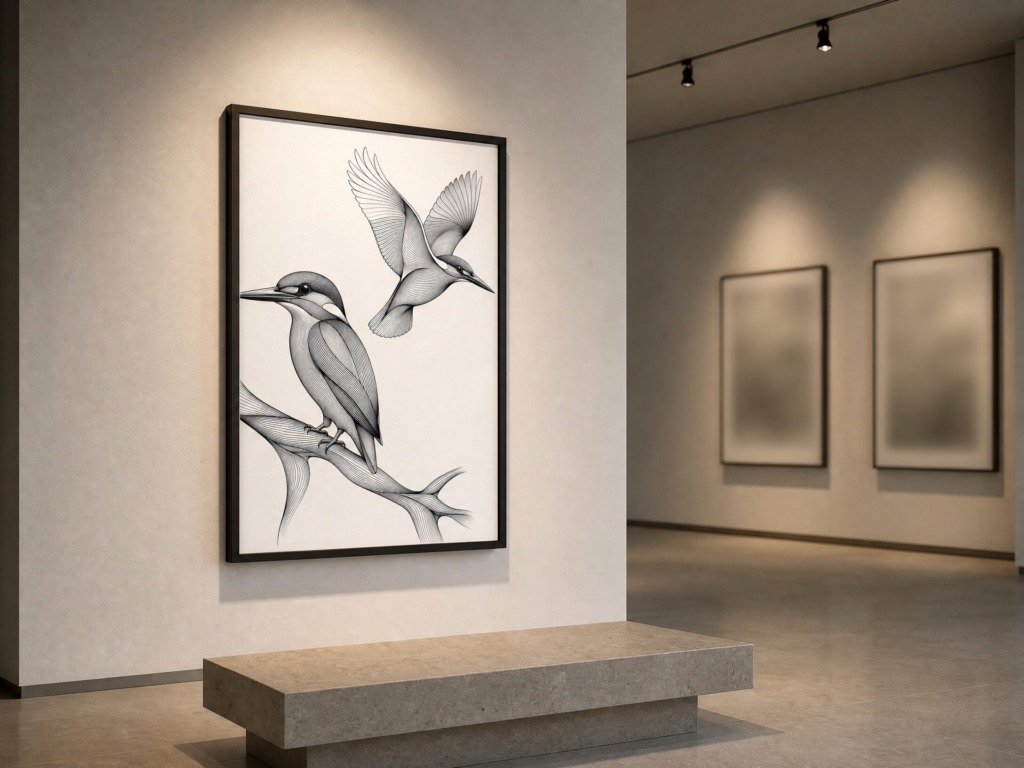
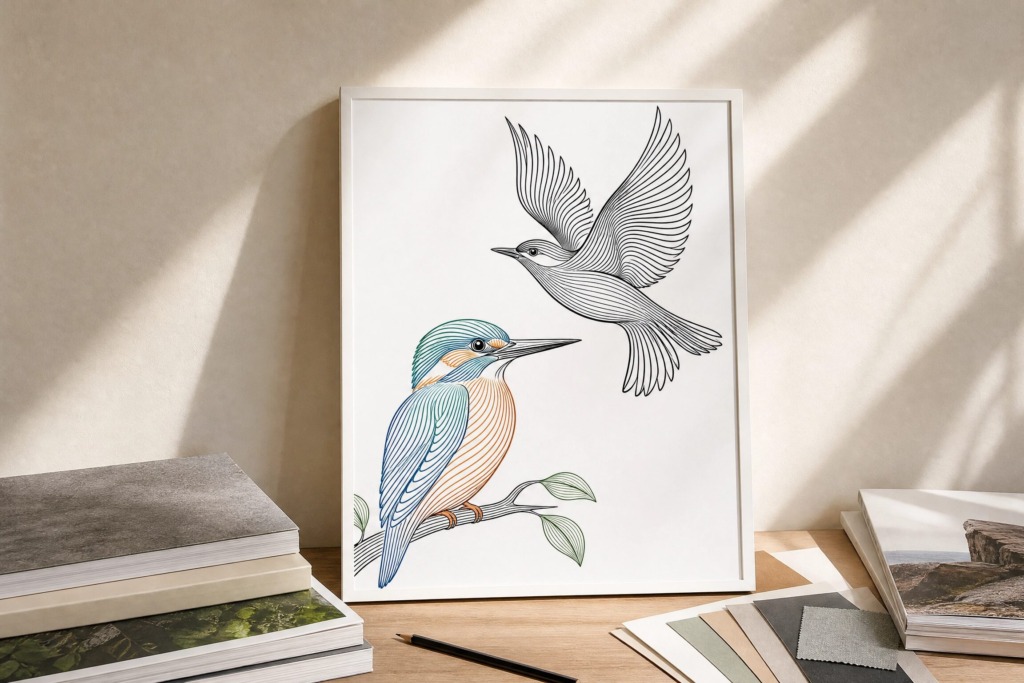
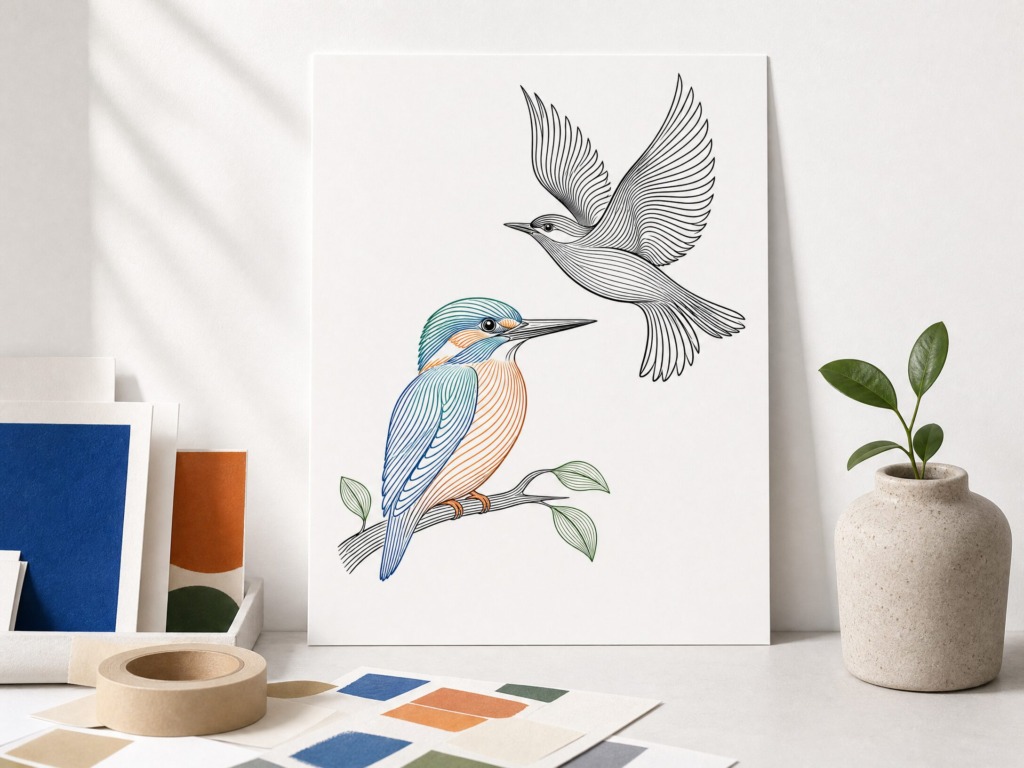
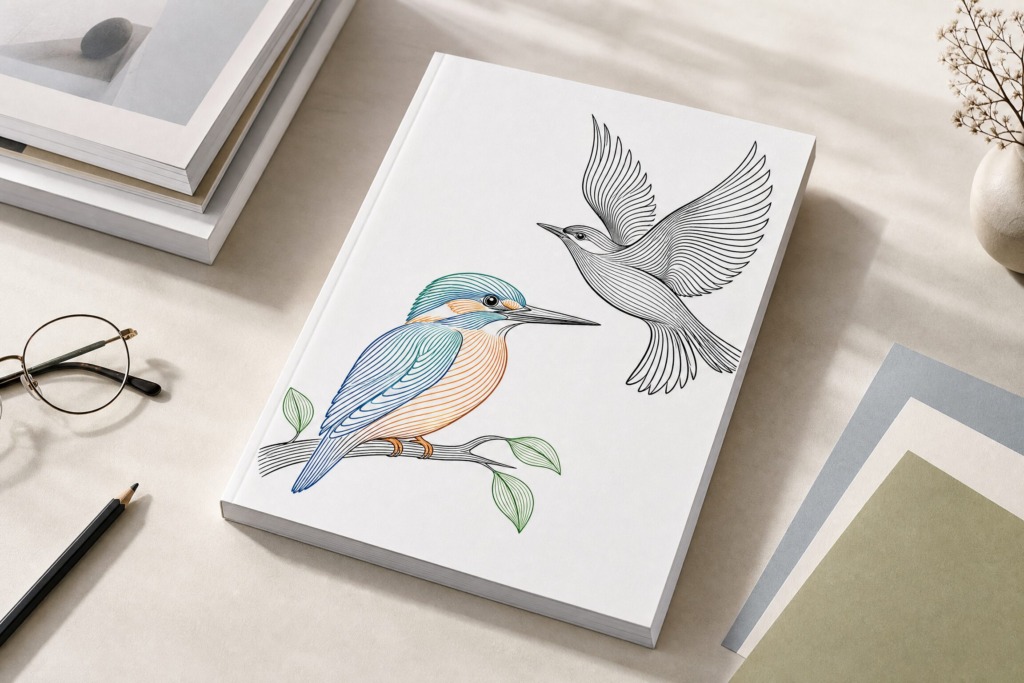
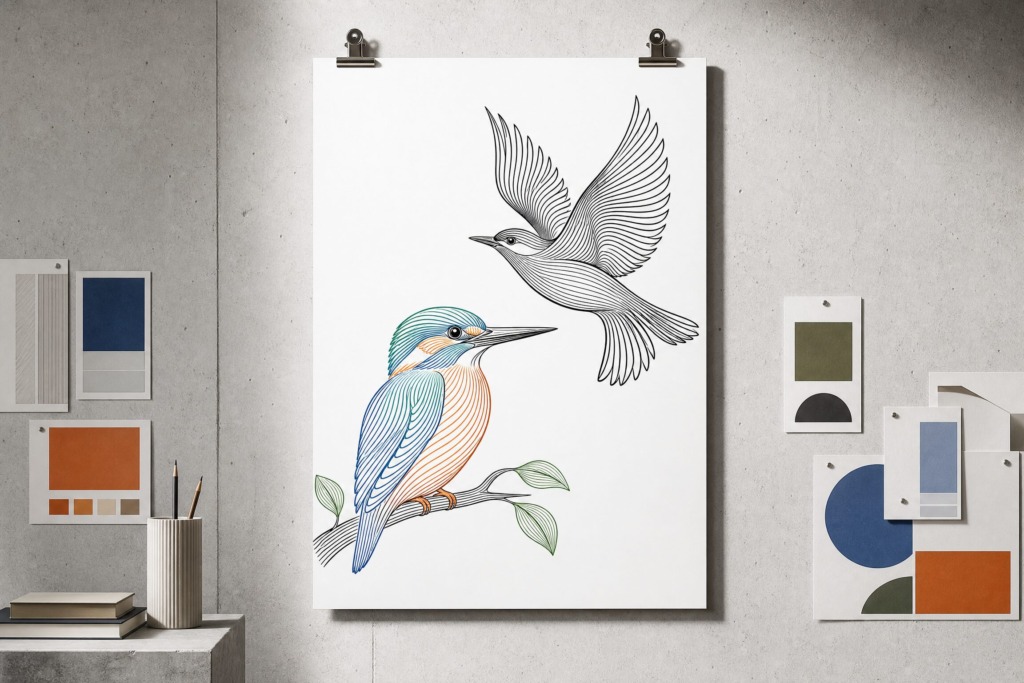
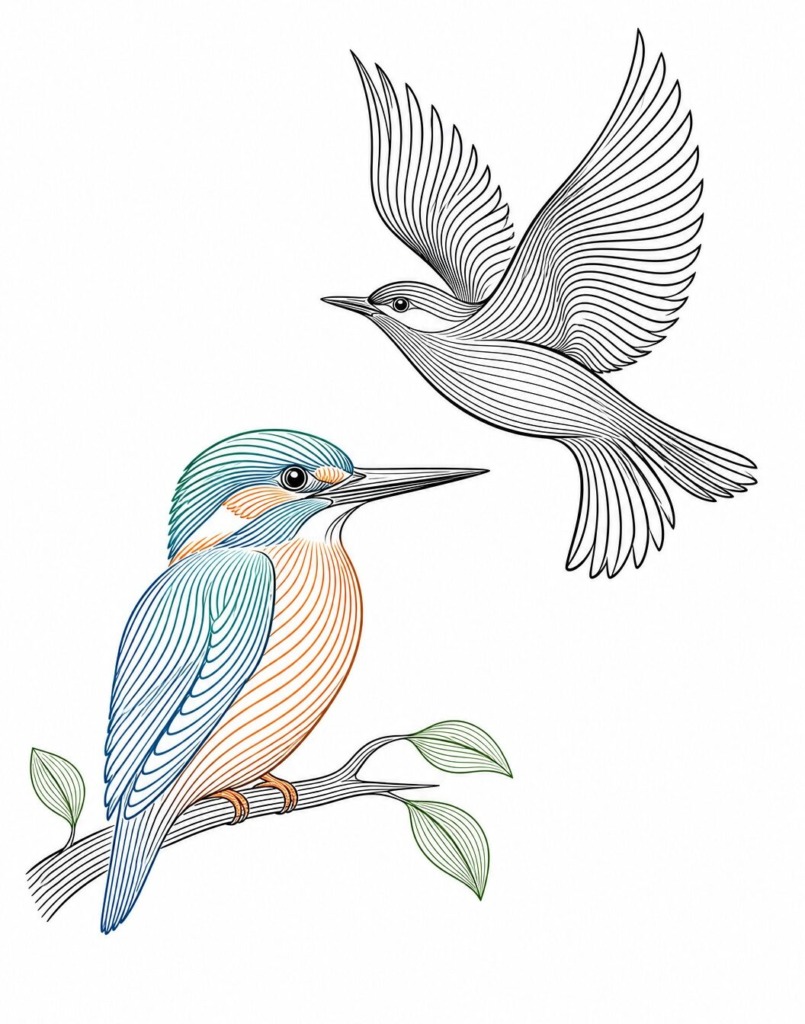
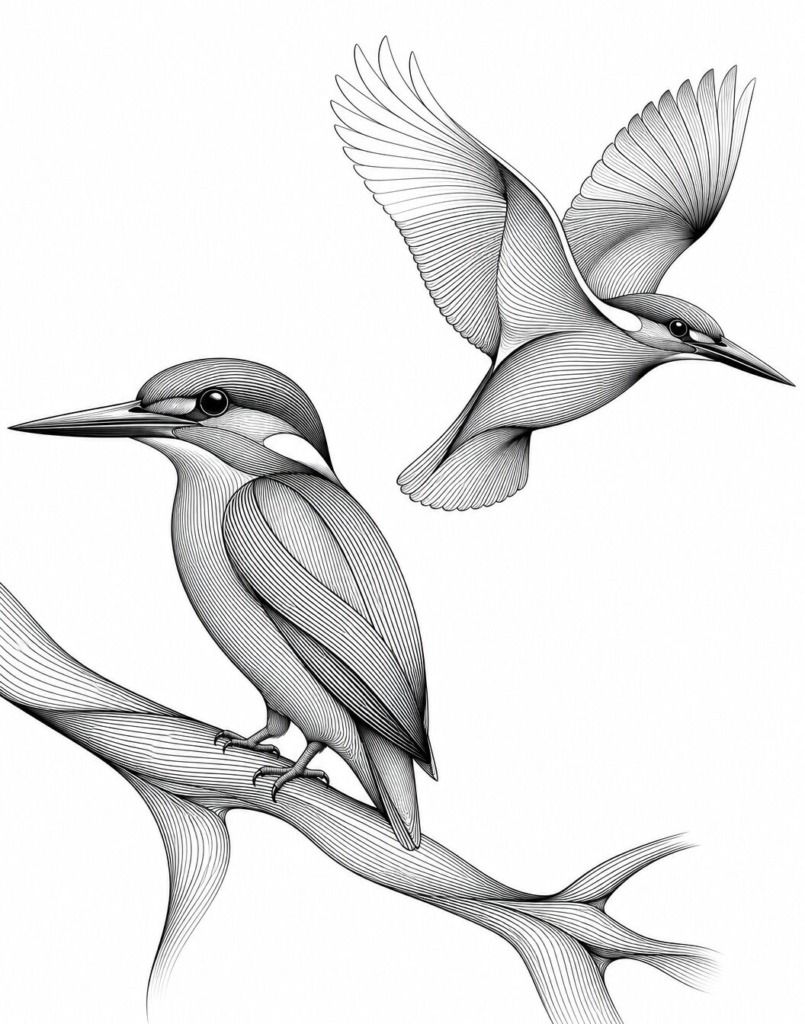
This project explores the technical synthesis of anatomical form, line density, and vector precision. Focusing on detailed bird studies—a perching Kingfisher and a Swallow in flight—the artwork utilizes continuous contour shading to build three-dimensional volume without relying on raster gradients or flat color blocks. Created entirely within Adobe Illustrator and polished in Adobe Photoshop, the final assets balance fine-line structural harmony with high-end print aesthetics.
⚠️ Design Challenges & Strategic Solutions
-
Challenge 1: Defining Volumetric Depth Without Raster Gradients
-
Problem: Achieving a tactile, 3D sense of weight and curvature on organic bird anatomy while maintaining a 100% vector line format.
-
Solution: Leveraged Illustrator’s Blend Tool (Option + Cmd + B / Alt + Ctrl + B) set to Specified Steps across key body contours. By varying stroke density from 0.15 pt to 0.75 pt, optical shadows and light highlights were engineered directly through line spacing.
-
-
Challenge 2: Maintaining Line Clarity Across Complex Overlaps
-
Problem: High-density line art can easily become visually noisy or pixelate when scaled or reproduced in different color modes.
-
Solution: Developed two distinct visual approaches: a pure monochrome version emphasizing pure line density, and a color-separated version utilizing spot fills (cobalt blue, sienna orange, and sage green) on clean vector paths to maintain immediate visual hierarchy.
-
🛠 Tools & Technical Workflow
1. Adobe Illustrator (Vector Linework & Geometry)
-
Contour Line Construction:
-
Drafted anatomical anchor paths using fine-tuned stroke weight hierarchies.
-
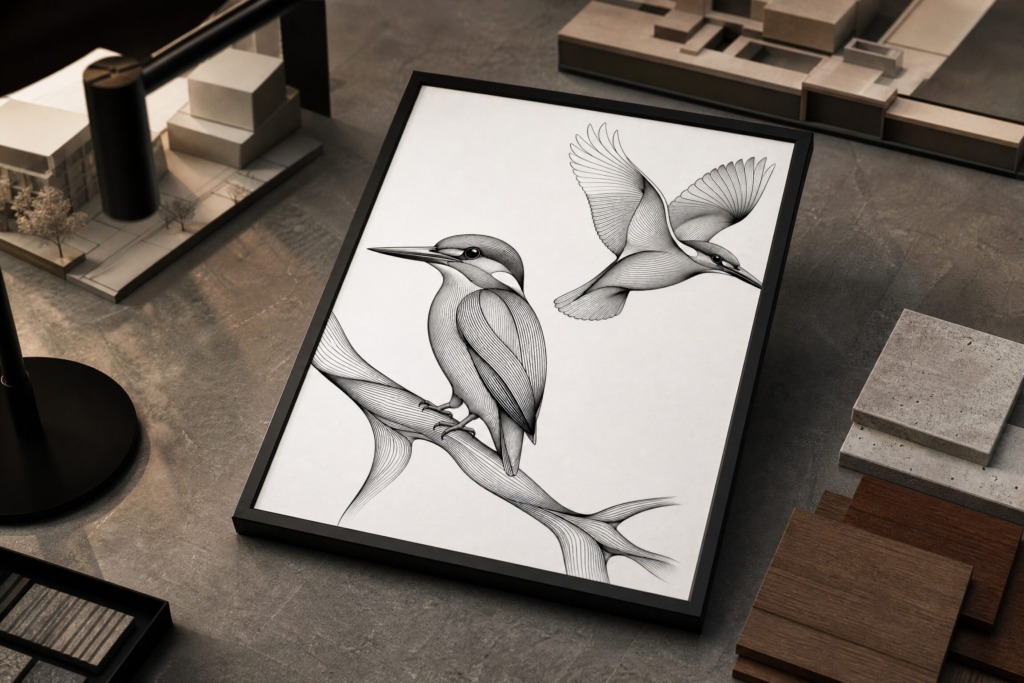
Applied Object > Blend > Blend Options to generate smooth, mathematical line transitions along the curve of the wings, body, and perching branch.
-
-
Color Separation & Stroke Layering:
-
Separated stroke groups into distinct color layers to test line interaction under different contrast scenarios.
-
Preserved full vector path integrity for infinite scalability in large-format packaging or editorial prints.
-
2. Adobe Photoshop (Editorial Texture & Final Finishing)
-
Paper Grain Overlay:
-
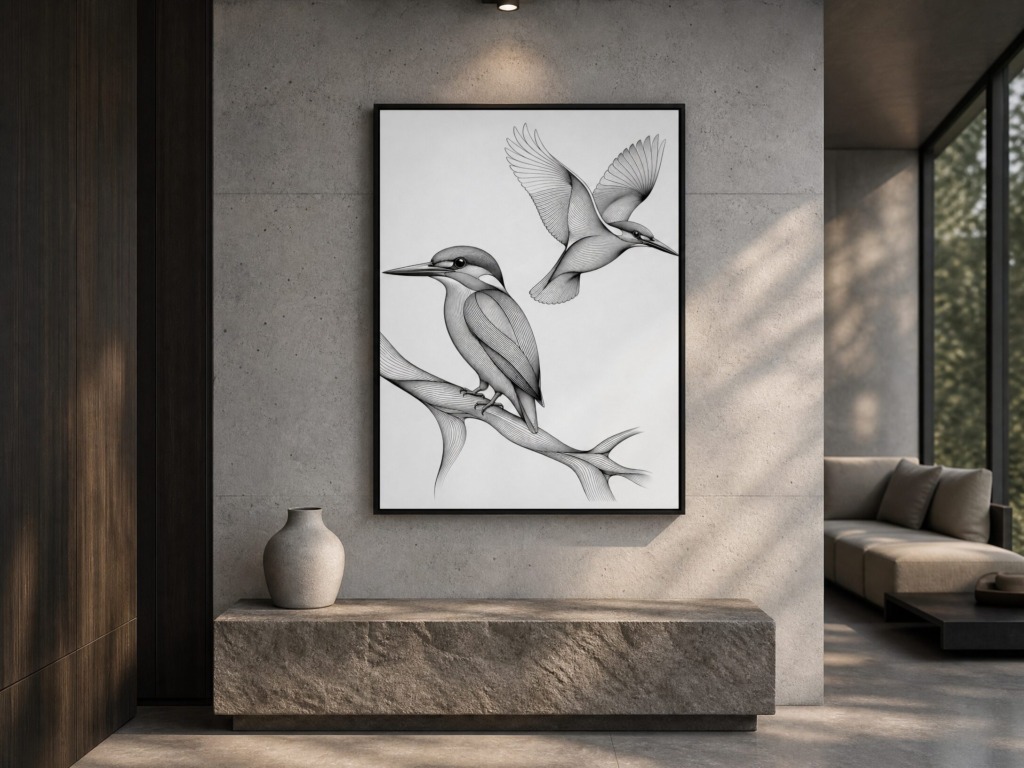
Applied a non-destructive fine paper noise texture overlay in Photoshop to give the digital vector lines a tactile, hand-printed editorial feel.
-
-
Tonal Balancing:
-
Fine-tuned black-and-white levels via Curve adjustment layers to ensure ultra-sharp contrast between line strokes and background space.
-
🎨 Color Palette & Visual Assets
-
Primary Color Engine:
-
Ink Charcoal: #111111 (Provides primary structural line weight)
-
Pure Paper White: #FBFBFB (Delivers crisp background contrast)
-
Cobalt Blue: #1E40AF (Used for feather accent line fills)
-
Sienna Orange: #C2410C (Highlights beak and breast contours)
-
Sage Green: #4ADE80 (Adds organic balance to body details)
-
-
Asset Processing:
-
Original vector drawings created in Adobe Illustrator.
-
Fine-art paper textures applied using non-destructive blend modes in Adobe Photoshop.
-
True vector mastery is built on precision, line weight, and volume! 🎨✨
📌 Summary Details
-
Tools Used: Adobe Illustrator, Adobe Photoshop
-
Techniques: Precision Line Blending, Contour Shading, Stroke Weight Hierarchy, Paper Grain Overlay
-
Primary Focus: Vector Line Art, Editorial Illustration, Anatomic Form & Volume