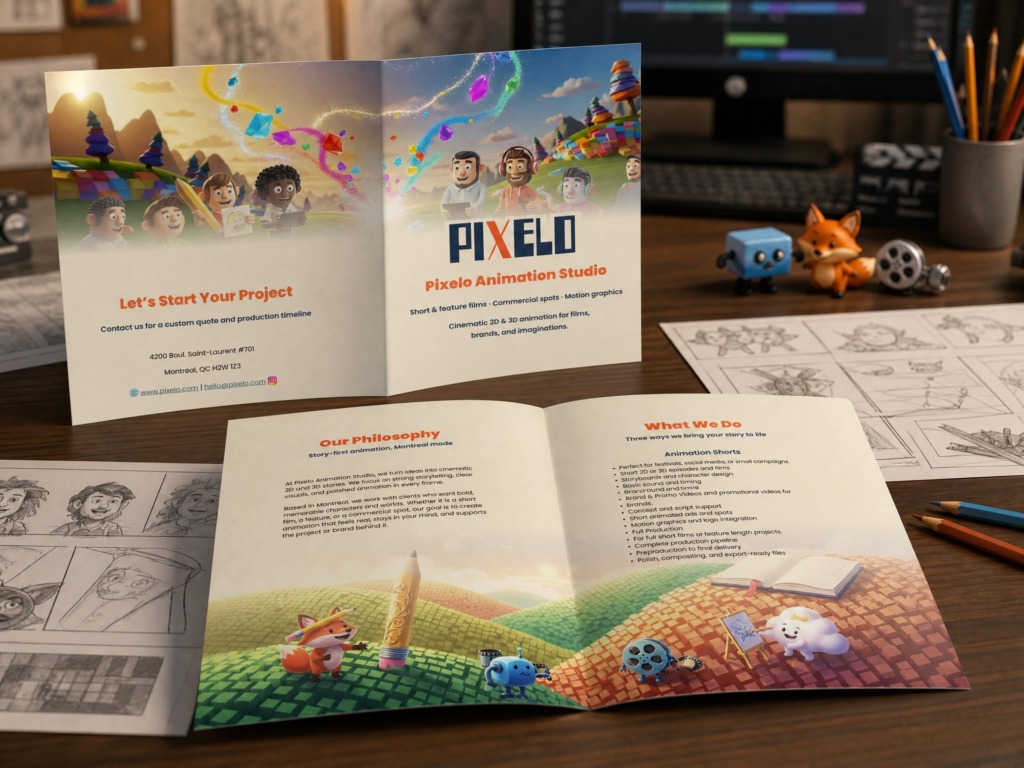
📌 Project Overview
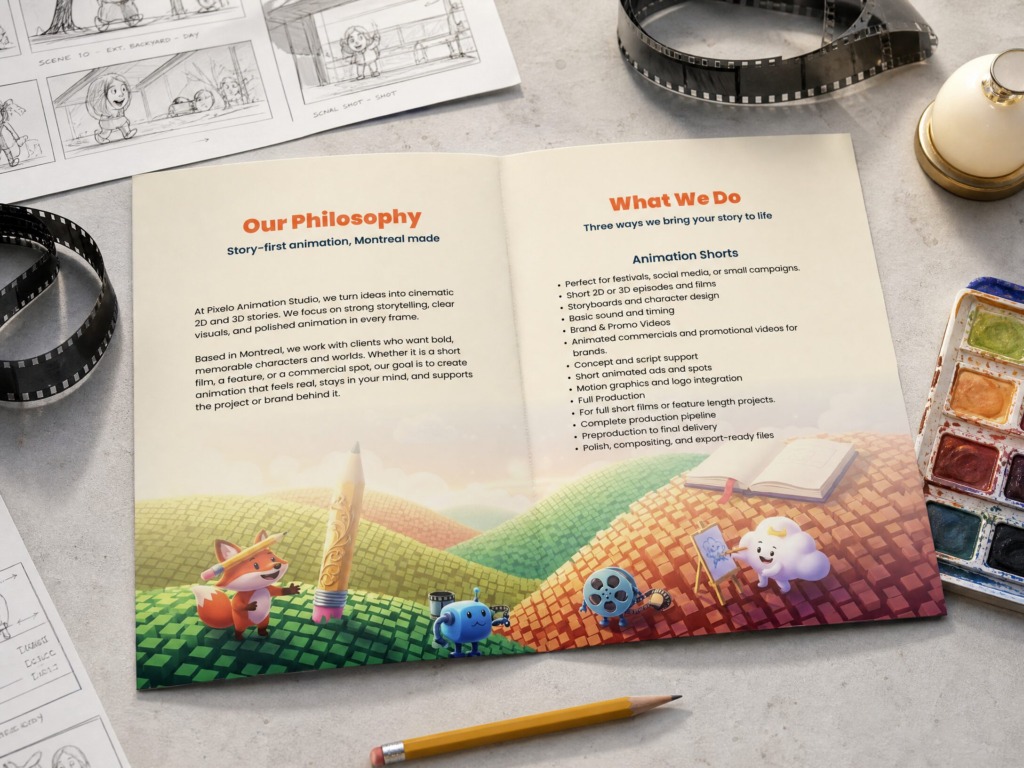
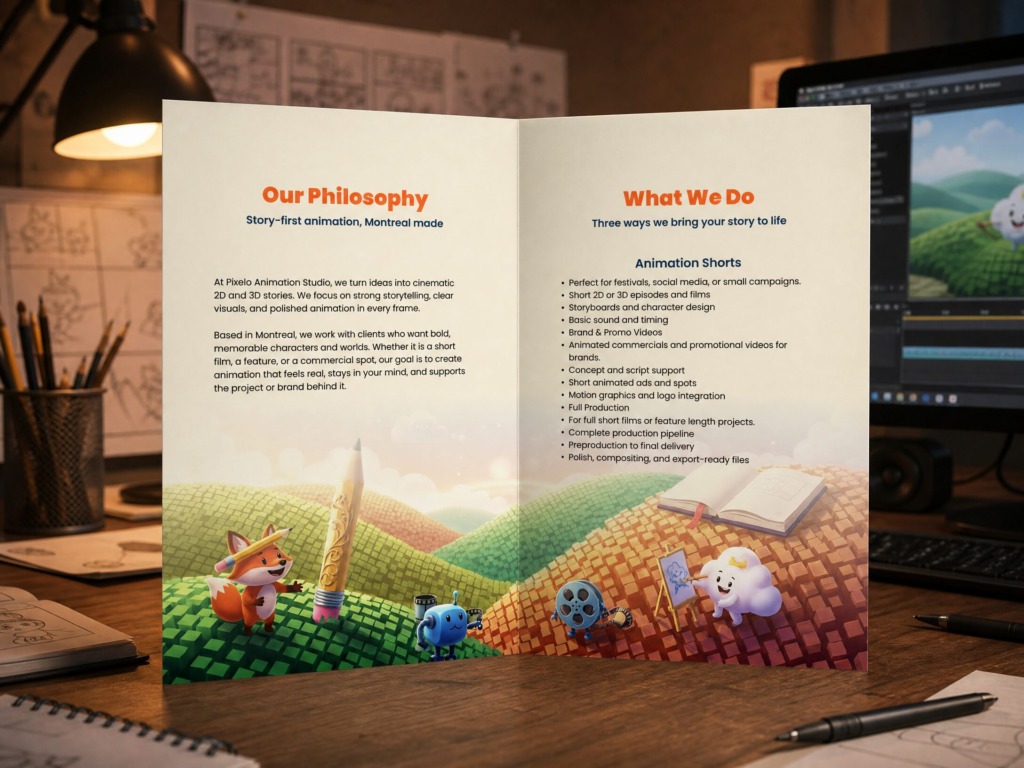
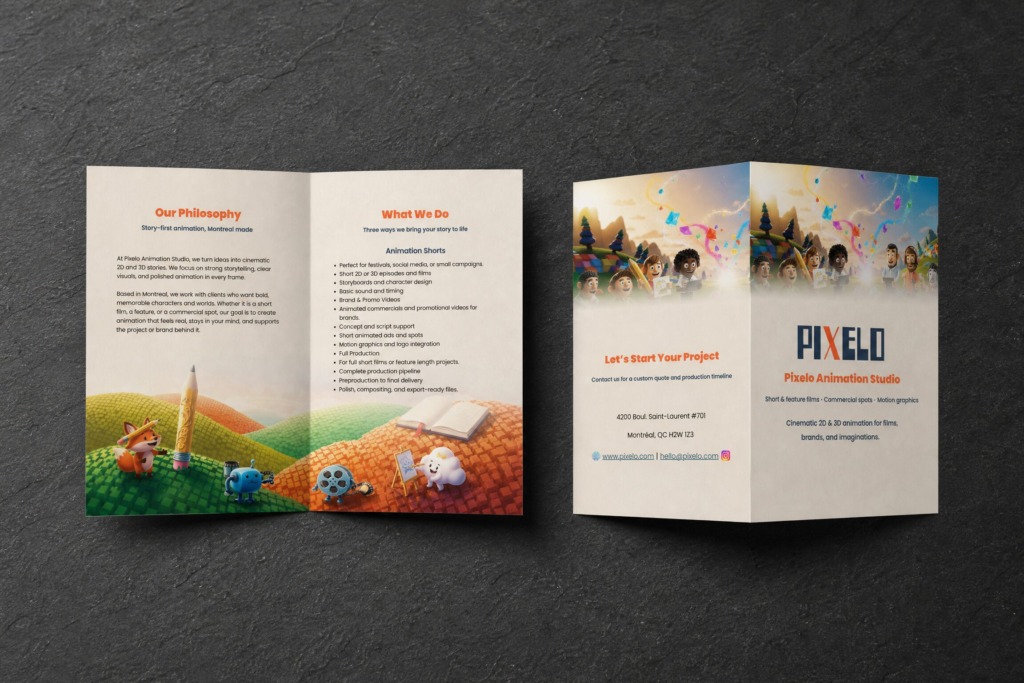
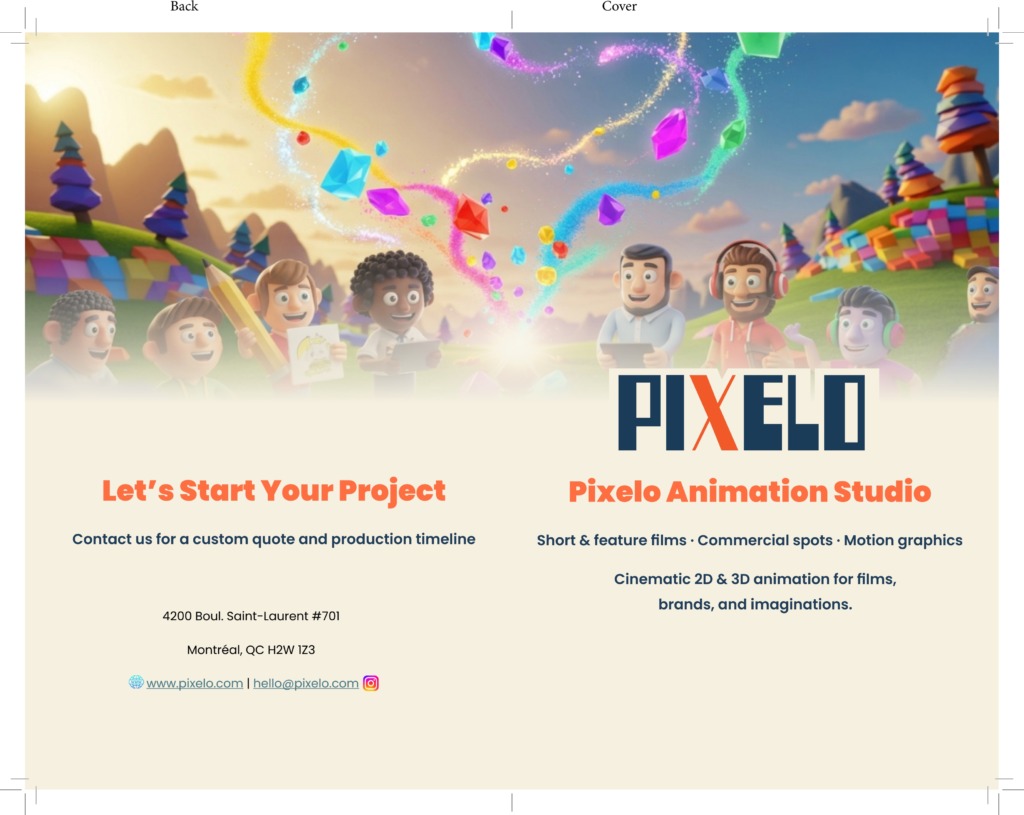
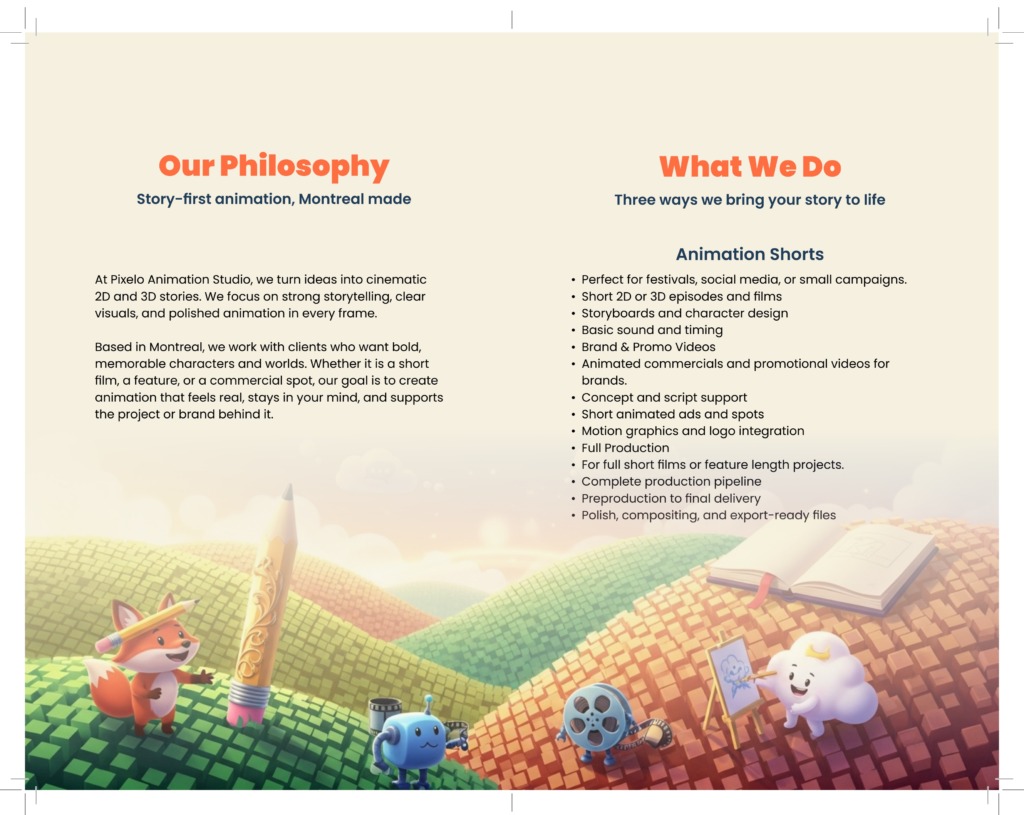
The Pixelo Animation Studio Bi-Fold Brochure is a high-end corporate editorial collateral piece crafted to showcase Montreal-based Pixelo Animation Studio. Built on a strict 12 x 18 inch layout grid using Adobe InDesign, Adobe Photoshop, and Adobe Illustrator, the piece balances high-contrast typography, structural negative space, and custom vector character branding. Designed for high-volume offset printing, it translates visual storytelling into a refined physical marketing asset.
🎯 Key Objectives & Technical Challenges
-
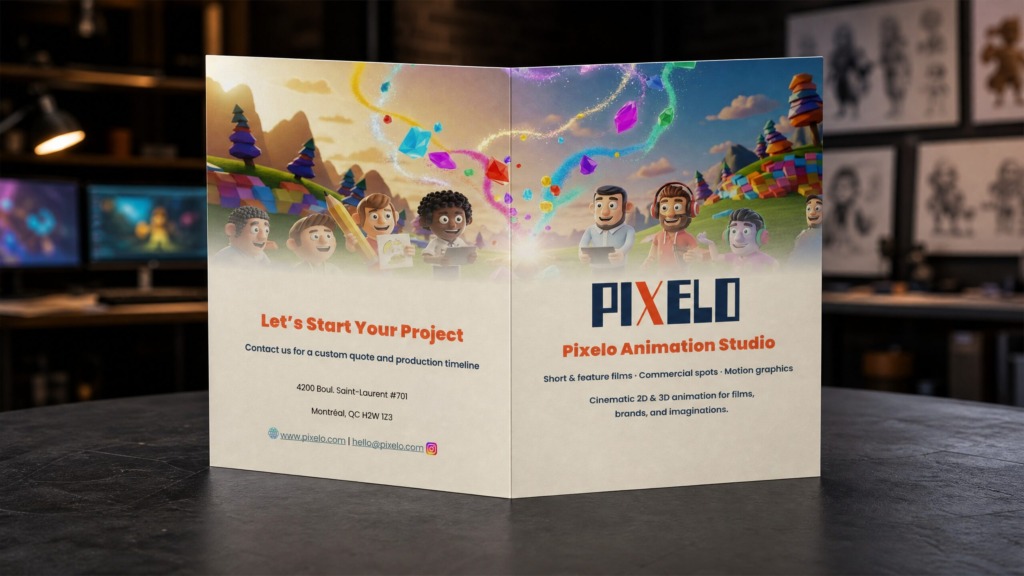
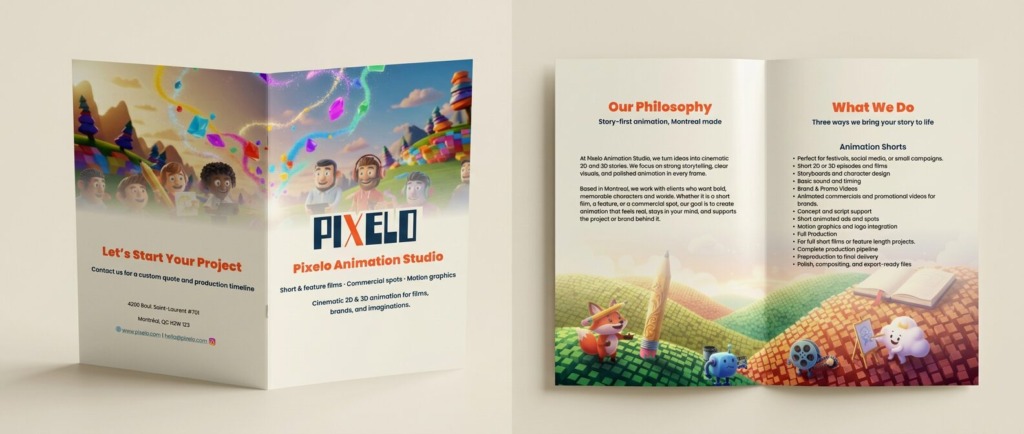
Corporate Collateral Hierarchy: Structure information across a 4-panel bi-fold landscape format while maintaining distinct visual entry points for studio services, philosophy, and contact data.
-
Multi-Software Workflow: Seamlessly integrate high-resolution bitmap assets, vector branding marks, and typographic grids using dynamic linking between Photoshop, Illustrator, and InDesign.
-
Prepress & Print Engineering: Establish precise fold lines, bleed margins (0.125 inches), CMYK color calibration, and ink-density limits for clean industrial production.
-
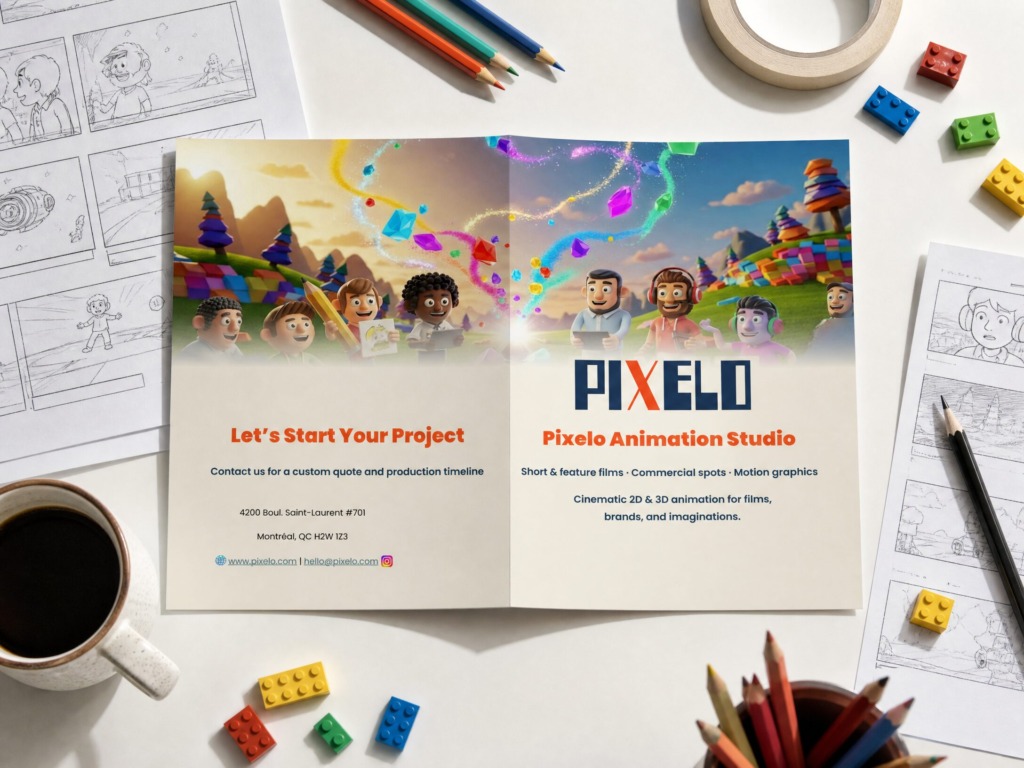
Brand Storytelling: Blend studio character branding—Vexo, Nexi, Misti, and Arlo—with dark minimalist layout architecture.
🛠️ Technical Workflow & Software Usage
1. Adobe InDesign (Editorial Architecture & Layout Setup)
-
Master Page Grid: Built a 12-column modular grid on a 12 x 18 inch artboard with custom margins and gutter spacing.
-
Paragraph & Character Styles: Established unified typographic scales for headers, lead-ins, bullet points, and contact metadata.
-
Preflight & Packaging: Verified zero missing links, monitored font licensing, and set up CMYK PDF/X-1a export settings with 0.125-inch bleeds.
2. Adobe Photoshop (Raster Processing & Composite Effects)
-
Image Color Grading: Processed studio imagery and dark background textures using non-destructive Curves and Selective Color adjustment layers.
-
Smart Objects & Compositing: Applied blur masks and ambient studio lighting overlays to add depth without cluttering copy areas.
3. Adobe Illustrator (Vector Asset Engineering)
-
Icon & Logo Vectorization: Engineered studio logotypes, social icons, and vector character assets (Vexo, Nexi, Misti, Arlo).
-
Path Precision: Optimized vector anchor points and path outlines using the Pen and Shape Builder tools to guarantee sharp print output.
🎨 Color Palette & Visual Assets
Primary Palette
-
Deep Charcoal / Black: HEX #121212 | RGB 18, 18, 18 (Background & Contrast Basis)
-
Electric Cyan: HEX #00E5FF | RGB 0, 229, 255 (Accent Highlights & Active Elements)
-
Warm Amber Gold: HEX #F4B41A | RGB 244, 180, 26 (Secondary Accent & Character Tones)
-
Pure White: HEX #FFFFFF | RGB 255, 255, 255 (Primary Body Typography)
Asset Sources
-
Logos & Icons: Custom-built vector icons for Instagram, web, location markers, and studio branding.
-
Imagery: Processed vector artwork and high-dpi render assets integrated via linked smart files.
💬 Challenges & Design Solutions
Challenge 1: Maintaining Legibility on Dark Backgrounds
-
Issue: Dark background fills can cause small typography to bleed or appear blurry during offset printing.
-
Solution: Used high-readability sans-serif fonts with optical kerning, bold sub-headers, and extra line height to preserve crisp contrast.
Challenge 2: Precise Crease & Fold Alignment
-
Issue: Content near the central fold line risk being cut off or obscured when folded.
-
Solution: Applied 0.375-inch safety margins on both sides of the central bi-fold spine within InDesign master guides.